Introducing Tezgah 1.0
A terminal for working with AI coding agents, rebuilt from scratch for macOS, Windows and Linux. Every agent, and what it's doing, at a glance.
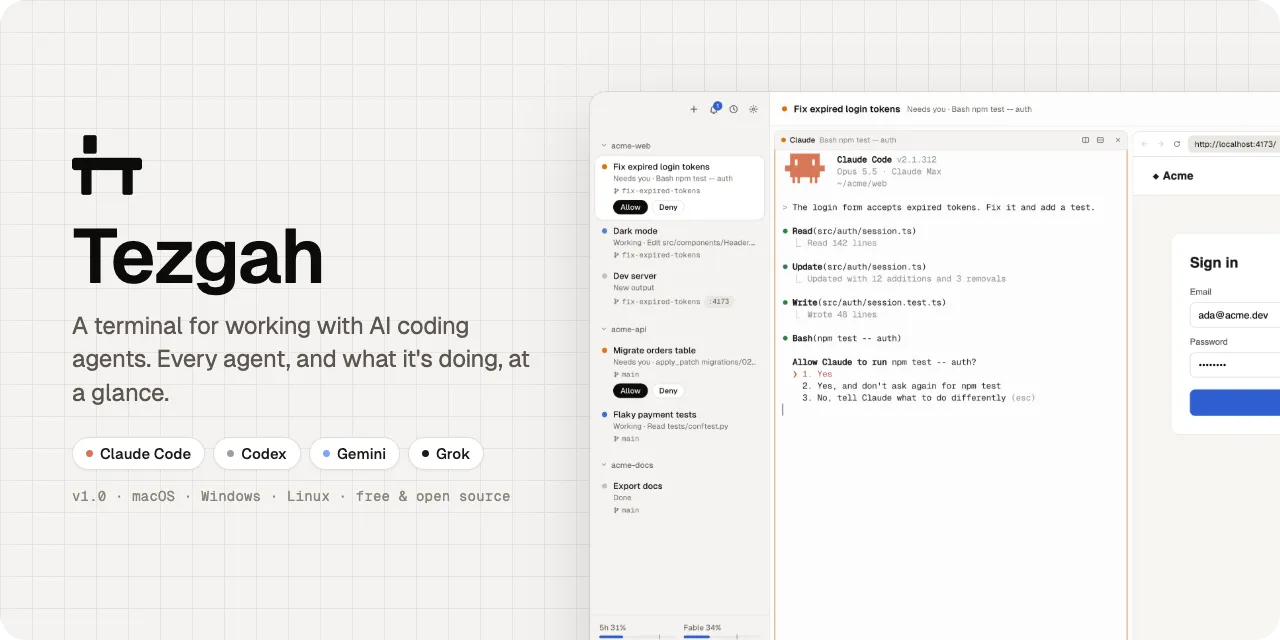
Tezgah (tezgâh, Turkish for workbench) started as a small macOS app for keeping an eye on several Claude Code sessions at once. Tezgah 1.0 is a rewrite of it on Electron, xterm.js and node-pty: smaller, faster to change, and it now runs on macOS, Windows and Linux.
Why a terminal for agents
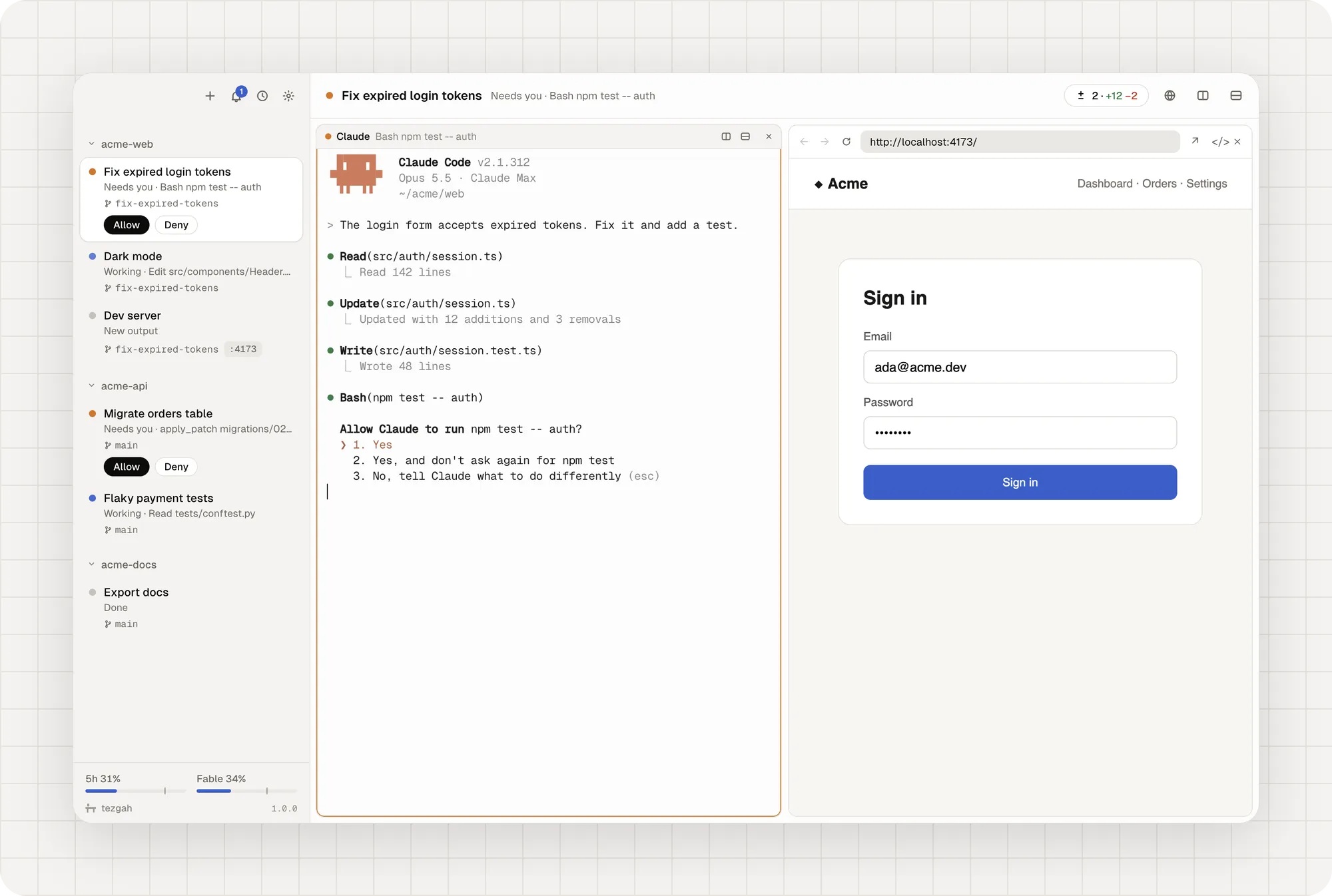
When you run more than one coding agent, the hard part isn’t the typing. It’s knowing where to look: which one is working, which one is waiting for your permission, which one finished ten minutes ago. Tezgah puts your projects in a sidebar with the sessions you run in each one, and every session says what its agent is doing.
What’s in 1.0
Sessions and agents
- Projects and sessions in a sidebar. Each Claude session resumes its conversation after a relaunch, and shell panes keep their screen.
- Live status from Claude Code’s own reports: Working, Needs you, Done. Allow and Deny permission prompts from the sidebar.
- Status for other agents too. Codex reports exactly through hooks Tezgah passes when you run
codexin it. Grok, Gemini, Aider, OpenCode, Amp and others are read from what they do. - Subagents listed under their session; click one to follow its transcript.
- Drag to reorder, pin to the top, archive what you’re done with.
- Split panes, saved layouts, worktree sessions with merge, SSH sessions that upload dropped files.
- Each session shows its git branch, the ports its programs listen on and its pull request.
Notifications
- A notification when an agent finishes or needs you, an attention ring on the pane, a notification panel (⌘I) and a jump to the newest unread (⇧⌘U).
- Any program can notify with OSC 9, 777 or 99, or
tezgah notify. - Tezgah in the menu bar (the tray on Windows and Linux): who’s working and who needs you.
A browser for your agents
- Browser panes beside the terminal, kept alive while you look at other sessions.
- Agents can read the page as text with element refs, click, type, take screenshots and check the console and network.
- The
tezgahcommand in every terminal, andtezgah mcp, an MCP server with the same tools. Claude sessions get it automatically.
Everything else
- The Changes panel: line notes you can send to Claude, then commit, push and open a pull request.
- Plan limits for Claude and Codex, context and tokens for each Claude session.
- Find in terminal, drop or paste files as paths, custom commands, a quick switcher.
- A short tour on first launch and a checklist of what you need.
- Every keyboard shortcut changeable. Turkish and English. Light and dark.
What we left behind
The old app (tezgah-legacy) only ran on macOS. It’s not developed anymore; everything it did is in 1.0, and much more.
Get it
Tezgah is free and open source, with no account and no telemetry. Download it, and if something doesn’t work the way you expect, open an issue.