Docs
Tezgah docs
From installing Tezgah to handing your agents a browser, step by step.
- InstallationDownload Tezgah for macOS, Windows or Linux, open it for the first time, and keep it up to date.
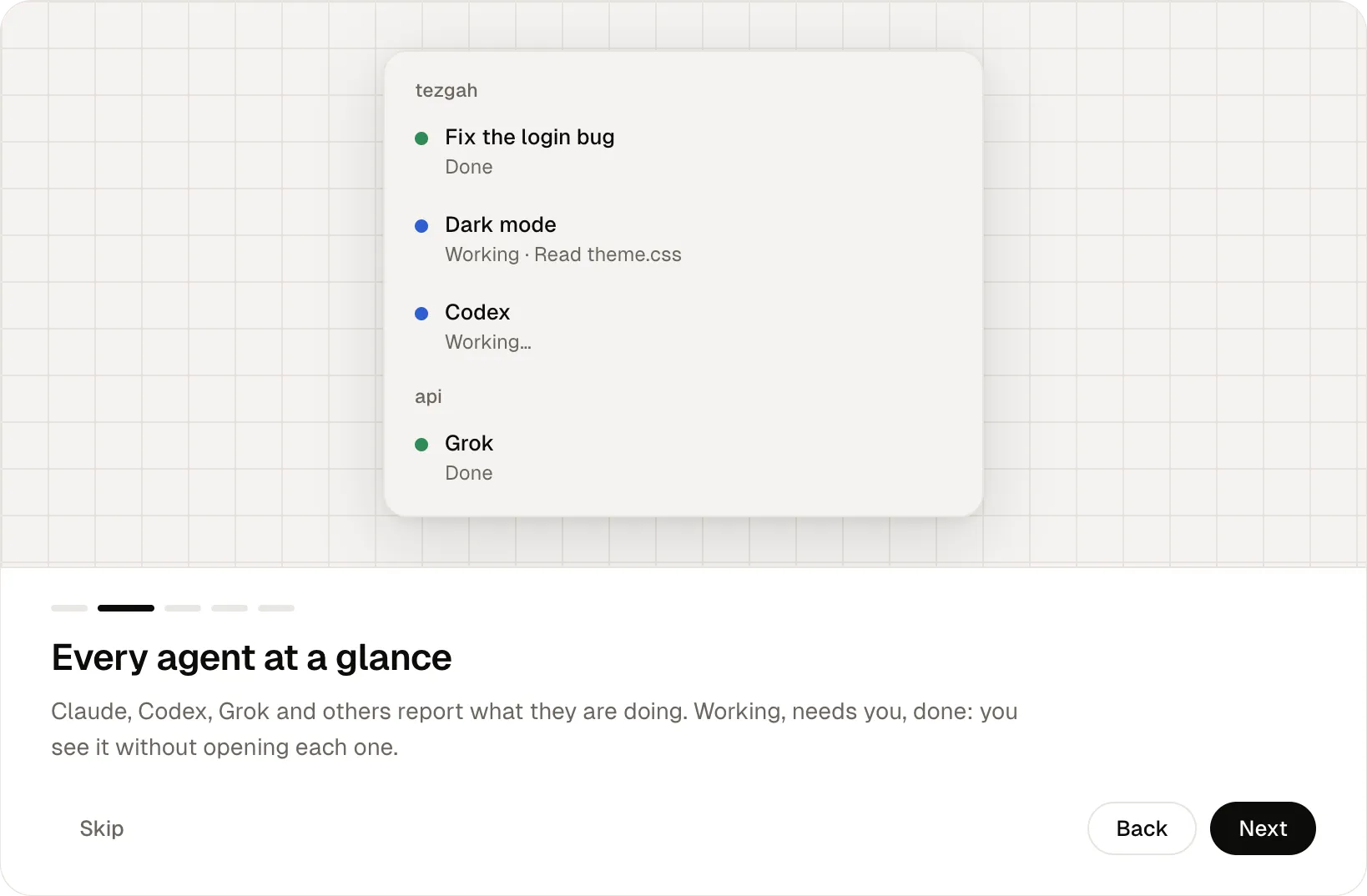
- Agent statusHow Tezgah knows what each agent is doing, which agents it supports, and how subagents are shown.
- The browserOpen web pages beside the terminal, and let Claude and other agents read, click, fill and screenshot them with Tezgah's browser tools.
- The tezgah commandControl Tezgah from any of its terminals: notifications, status, panes, sessions, the browser, and an MCP server for agents.
Getting started
Agents
- Sessions & projectsHow projects and sessions work, how conversations resume, and how to organize them with pinning, archiving and the quick switcher.
- Agent statusHow Tezgah knows what each agent is doing, which agents it supports, and how subagents are shown.
- Permissions & notificationsAllow or deny agents from the sidebar, and keep track of who needs you with rings, the bell, the notification panel and the menu bar.
Workspace
- Panes & layoutsSplit a session into terminals and browser panes, save layouts, add your own commands, find text and drop files.
- WorktreesGive parallel agents their own branch and folder with git worktrees, then merge their work back.
- SSH sessionsOpen a shell on another machine with your own ssh, and drop files to upload them.
Browser & git
Reference
- The tezgah commandControl Tezgah from any of its terminals: notifications, status, panes, sessions, the browser, and an MCP server for agents.
- Keyboard shortcutsEvery Tezgah keyboard shortcut on macOS, Windows and Linux, and how to change them.
- SettingsEvery Tezgah setting, from appearance and language to the default terminal, updates, notifications and Claude's tools.
- Plan limits & usageHow Tezgah shows Claude and Codex plan limits, and the context and token use of each Claude session.
- PrivacyTezgah has no telemetry and no account. Here is every network request it makes and every file it reads.
- Build from sourceRun Tezgah from its source code, run the tests, and make installers.